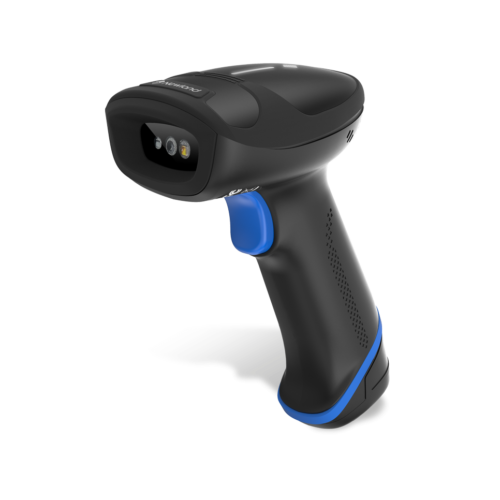
Barcode Scanners
KSh 16,500.00 Ex. VAT
Android POS Computers
Newland MT9300 Megattera Rugged Android Mobile Computer with 2D Barcode Scanner
KSh 60,500.00 Ex. VAT
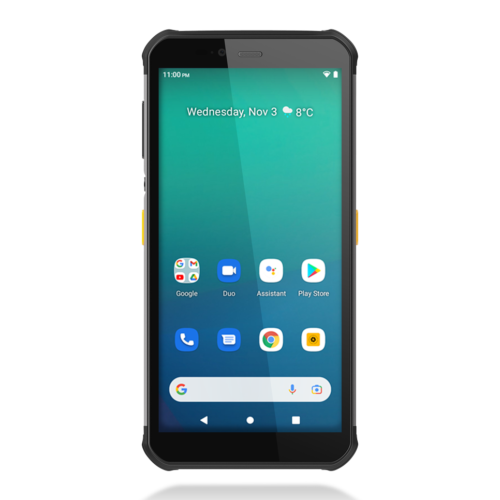
Android POS Computers
Newland NFT10 Rugged Android Mobile Computer with 2D Barcode Scanner
KSh 80,000.00 Ex. VAT
Android POS Computers
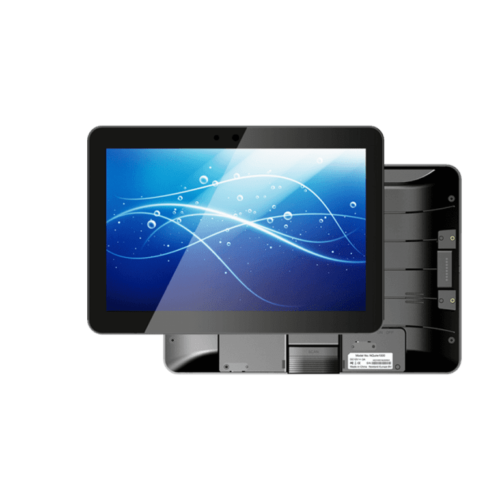
Newland NQuire 1000 Manta III Micro Kiosk with 10.1-Inch Touchscreen
KSh 85,500.00 Ex. VAT
Android POS Computers
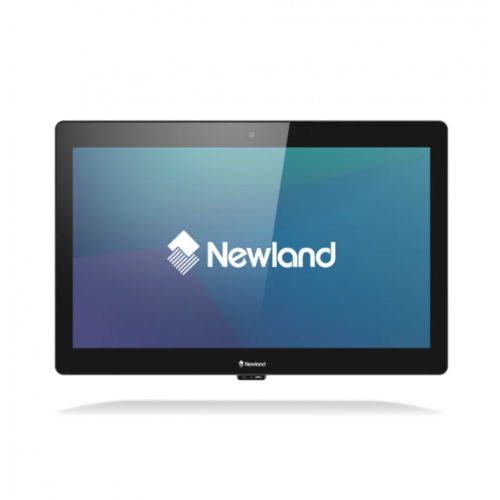
Newland NQuire 1500 Mobula II Micro Kiosk with 15.6-Inch Touchscreen
KSh 86,000.00 Ex. VAT
Tapes & Labels
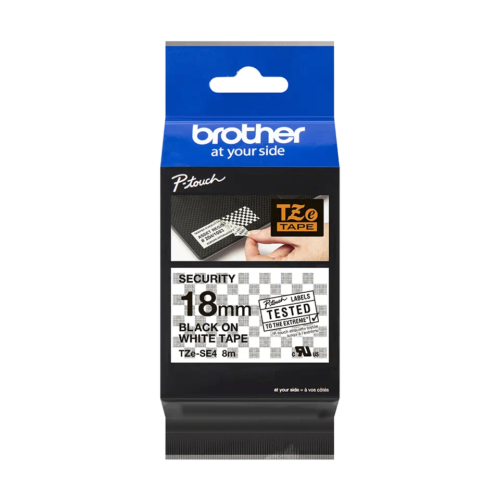
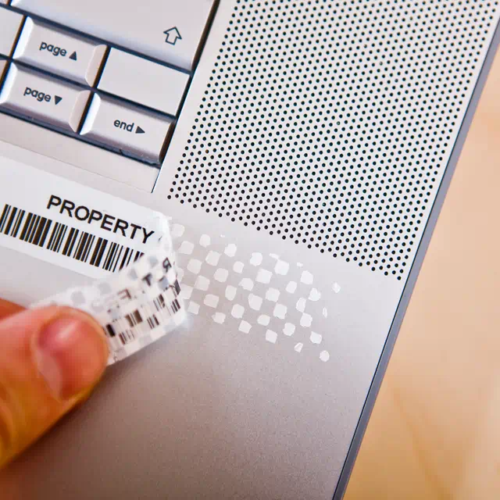
Original Brother TZe-SE4 18mm Black on White Laminated strong self adhesive Security Tape
KSh 3,500.00 Ex. VAT
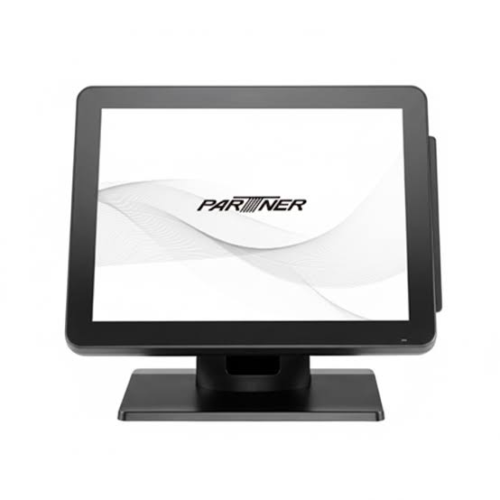
Point of Sale (POS)
KSh 52,500.00 Ex. VAT

POS Accessories
KSh 25.00 Ex. VAT
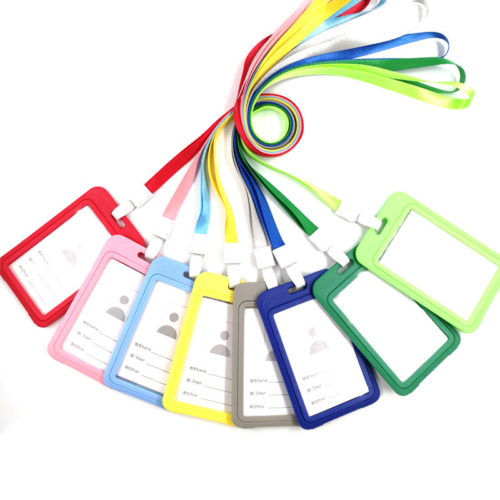
POS Accessories
KSh 250.00 Ex. VAT
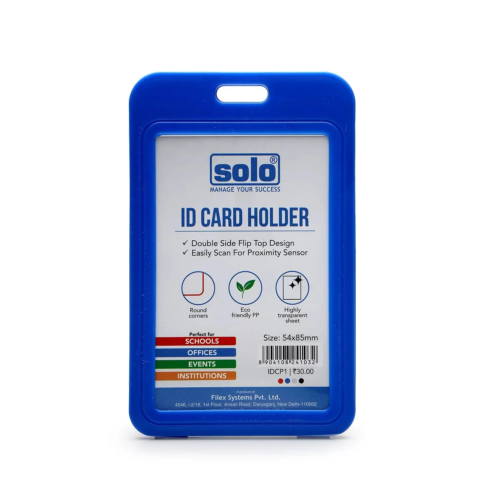
POS Accessories
KSh 250.00 Ex. VAT
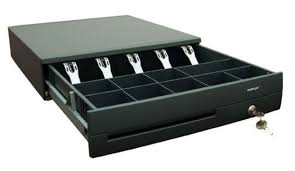
Cash Drawers
KSh 16,000.00 Ex. VAT
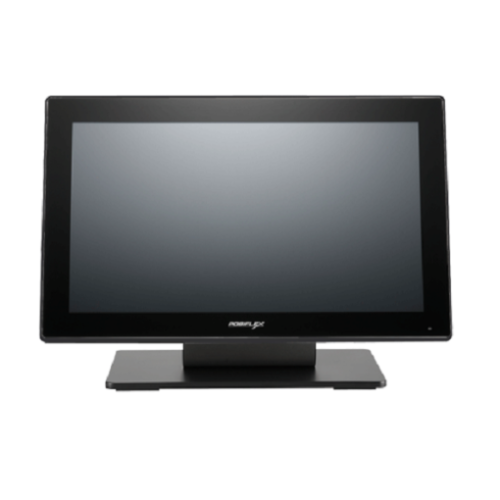
Android POS Computers
KSh 130,000.00 Ex. VAT
POS terminals and touchscreen computers provide a central workstation for sales, billing and checkout tasks. They can be suitable for retail counters, minimarkets, restaurants and other businesses using compatible point-of-sale software. Before purchasing, confirm the operating system, processor, memory, storage, screen size, available ports and software requirements.POS Terminals and Touchscreen Computers
A complete POS setup may include a terminal or computer, receipt printer, barcode scanner, cash drawer and the required cables or connectivity accessories. The right bundle depends on your business type and software. Tell us whether you need a setup for retail, hospitality, pharmacy, wholesale or another use case so the key components can be checked together.Complete POS Setups
Kenyan businesses should choose an invoicing workflow that fits their operations and current Kenya Revenue Authority (KRA) eTIMS requirements. KRA provides several eTIMS options, including client software and system-to-system integrations for eligible setups. A POS terminal or printer alone does not automatically make a business eTIMS-compliant. Confirm whether your existing software and proposed hardware support the invoicing process you intend to use, and verify current requirements directly with KRA or an appropriately qualified integrator.eTIMS-Compatible Invoicing and POS Options
Thermal receipt printers produce sales receipts quickly without ink or toner, using compatible thermal paper rolls. They are commonly used at retail counters, restaurants, supermarkets and service desks. Check print width, connection type (such as USB, Ethernet or Bluetooth), operating-system support, print speed, paper-roll size and compatibility with your POS software before ordering.Thermal Receipt Printers
Barcode scanners help staff identify products quickly and reduce manual entry at checkout. Depending on your workflow, you may need a handheld or hands-free scanner, a 1D scanner for standard barcodes, or a 2D scanner that can read supported QR codes and other two-dimensional barcodes. Confirm scanner type, connection method and software compatibility for your inventory and billing system.Barcode Scanners
A POS cash drawer helps organise cash payments and change at the checkout. Important factors include drawer dimensions, till layout, number of note and coin compartments, lock options, and whether the drawer can be triggered by your receipt printer or POS system. Check the interface and trigger compatibility before purchase.POS Cash Drawers
Label printers can support product identification, shelf labels, stock management, dispatch and warehouse workflows. Choose according to label width, daily print volume, print resolution, media type, connectivity and whether your software supports the required label format. For barcode labels, verify that the printer and label stock suit the barcode size and scanning requirements.Barcode and Product Label Printers
ID card printers are used by organisations that need staff cards, membership cards, visitor badges or identification cards. Compare single-sided and dual-sided printing, colour or monochrome output, card compatibility, encoding options and the availability of consumables. Ask about the exact model and intended use so you can select an appropriate configuration.ID Card Printers
Keep your checkout station ready with compatible thermal paper rolls, cables, power adapters, printer accessories, barcode labels and other consumables. Check model numbers and specifications before buying replacement parts, since connectors, paper sizes and consumables can vary between devices.POS Accessories and Consumables
A practical checkout may use a POS terminal or computer, barcode scanner, receipt printer and cash drawer. If you maintain product stock, check how the POS software handles product records, pricing, inventory and reporting.POS Hardware for Different Businesses
Retail shops and minimarkets
Consider equipment designed for frequent scanning and printing, durable peripherals, convenient cable management and the ability to add checkout stations. Confirm whether your software supports multiple tills, users and branches.Supermarkets and high-volume stores
Choose hardware and software suited to order entry, bill printing and the layout of your service counter. Check whether your system requires a kitchen printer, networked printer or other hospitality-specific accessories.Restaurants, cafés and takeaways
Prioritise dependable product lookup, barcode scanning, clear receipts and software features that match your stock-management workflow. Confirm any specialised software requirements before selecting hardware.Pharmacies and health-product retailers
Consider barcode scanning, product labelling, inventory workflows and reporting. Businesses with multiple locations should verify that their software supports the required branches and user permissions.Wholesalers and distributors
Receipt printers, label printers and ID card printers can support payment desks, asset identification, visitor management and card issuance, depending on the organisation’s process.Offices, schools and membership organisations
POS system prices in Kenya vary by model, specifications, brand, included peripherals, software, warranty and installation requirements. A standalone receipt printer or barcode scanner will generally cost less than a complete multi-component checkout setup. Because product availability and prices change, contact Zemaro Tech Store for current pricing and a quote based on your requirements.How Much Does a POS System Cost in Kenya?
| Equipment type | What affects the price | What to confirm |
| POS terminal / touchscreen computer | Processor, RAM, storage, screen, operating system and durability | Software and peripheral compatibility |
| Complete POS setup | Number and type of peripherals, software and installation scope | Exactly what is included in the bundle |
| Thermal receipt printer | Print width, speed, connectivity and supported paper size | Driver support and POS compatibility |
| Barcode scanner | 1D/2D capability, scanning range and connection type | Barcode formats and software support |
| Cash drawer | Size, compartment layout, lock and interface | Printer-trigger or POS connection |
| Label / ID card printer | Print technology, capacity, media and encoding features | Consumables and intended application |
What to Check Before Buying a POS System
- Business requirements: list the checkout, inventory, invoicing and reporting tasks your team needs to perform.
- Software compatibility: confirm that the hardware works with your POS, accounting, inventory or restaurant-management software.
- eTIMS workflow: establish how electronic tax invoices will be generated and whether your invoicing software needs an approved or verified integration.
- Connectivity: check USB, Ethernet, Wi-Fi, Bluetooth and other interfaces required by your setup.
- Transaction volume: choose equipment appropriate for the number of transactions and operating hours.
- Consumables and support: check the availability of receipt paper, labels, ribbons, replacement parts and technical support.
- Warranty and setup: confirm warranty coverage, what is included in the quote, and whether installation or configuration is available.
A successful POS setup involves more than connecting the devices. Before installation or configuration, prepare your business details, product list, prices, tax and invoicing workflow, user roles and any existing software credentials that the software provider requires. Ask Zemaro Tech Store which configuration or installation services are available for your chosen products and whether those services are included in the quotation.POS Installation and Setup Support in Nairobi
- Discuss your business type, number of checkout points and expected daily transaction volume.
- Confirm the required POS hardware and check each device’s compatibility.
- Agree on the software, invoicing and payment workflow with the relevant provider.
- Test receipt printing, barcode scanning, cash-drawer triggering and network connectivity where applicable.
- Train staff on the agreed checkout process and keep model, warranty and support details on record.
Why Choose Zemaro Tech Store for POS Hardware?
- A range of POS hardware categories for retail, hospitality, stock control and business administration.
- Help comparing device specifications and checking compatibility before purchase.
- A Nairobi CBD point of contact for product enquiries and quotations.
- Options to discuss a single device, replacement peripheral or broader checkout setup.
- Support in identifying the hardware and consumables needed for your intended workflow.
A point-of-sale system is the combination of hardware and software a business uses to record sales and manage checkout activities. Depending on the setup, it may include a computer or touchscreen terminal, receipt printer, barcode scanner and cash drawer.Frequently Asked Questions
What is a POS system?
The price depends on the device type, specifications, brand and whether accessories or software are included. Contact Zemaro Tech Store for current stock and a quote tailored to your business.How much is a POS machine in Kenya?
You can contact Zemaro Tech Store at Town House, 6th Floor, Room 606, Kaunda Street, Nairobi CBD, to ask about available POS hardware, current pricing and collection or delivery arrangements.Can I buy POS hardware in Nairobi?
No. A POS machine is hardware; eTIMS compliance depends on the invoicing solution and how it is configured and used. KRA offers different eTIMS options, and system-to-system integration has specific requirements. Check the current KRA guidance and confirm your intended workflow before purchasing.Does a POS machine automatically make my business eTIMS-compliant?
KRA states that its eTIMS software options are provided free of charge. Businesses may incur costs if they choose paid third-party software, integration or related services. Verify current details on the official KRA eTIMS website.Is KRA eTIMS software free?
Not always. Compatibility depends on the scanner’s connection type, supported barcode formats, operating system and POS software. Confirm these details for your chosen model.Can I connect a barcode scanner to any POS system?
No. Printer drivers, operating-system support, connection type, paper width and software compatibility can differ. Check the printer specification and your POS provider’s supported-device list.Do all receipt printers work with every POS software?
Possibly, depending on the payment workflow and software integrations available to your business. Confirm whether M-Pesa is handled separately or through a supported integration, and how transactions are reconciled.Can I use M-Pesa with a POS system?
Ask Zemaro Tech Store about installation or configuration availability for the specific equipment you intend to buy. Confirm the service scope, fees and timing in your quotation.Do you offer POS installation?
Yes, you can enquire about individual peripherals and consumables such as receipt printers, barcode scanners, cash drawers, thermal paper and compatible accessories. Share your current device model to help confirm fit.Can I buy POS accessories or replacement parts only?
Ready to choose POS systems or checkout hardware for your business? Contact Zemaro Tech Store with your business type, preferred equipment, number of checkout points and any software or eTIMS requirements. Our team can help you check product specifications and request a quote for the setup you need.Get a POS Hardware Quote from Zemaro Tech Store
- Phone / WhatsApp: +254 708 587 465
- Email: sales@zemarotechstore.co.ke
- Alternative email: Ke.zemaroltd@gmail.com
- Address: Town House, 6th Floor, Room 606, Kaunda Street, Nairobi CBD, Kenya
- Business hours: Monday–Saturday, 8:00 AM–6:00 PM EAT