
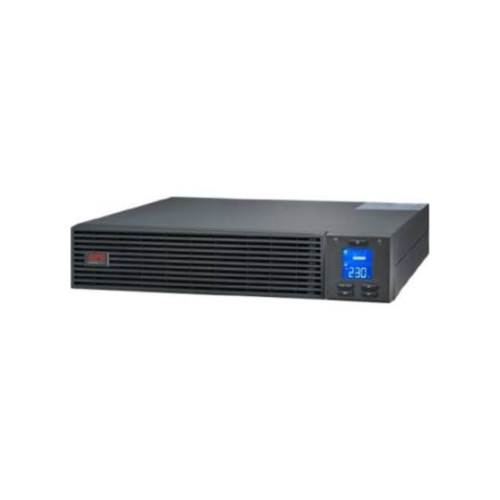
KSh 250,000.00 Ex. VAT
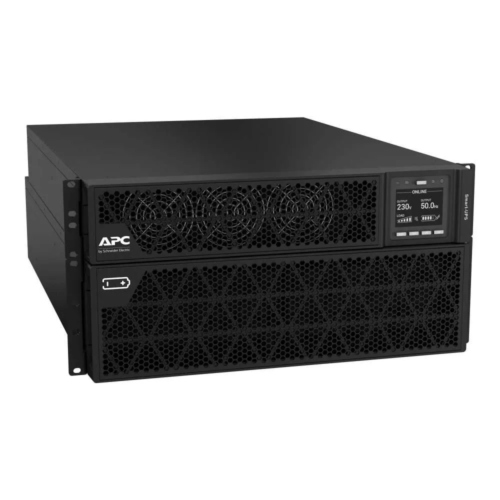
KSh 700,000.00 Ex. VAT
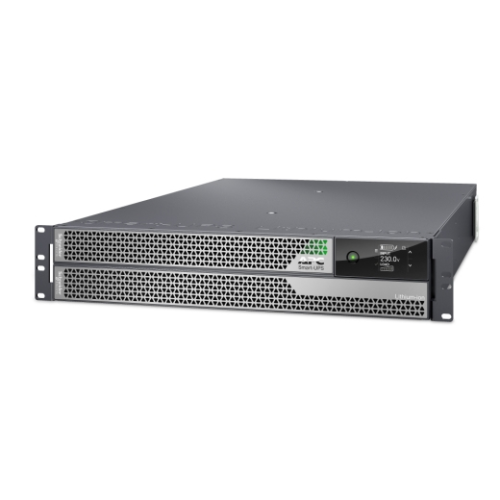
KSh 430,000.00 Ex. VAT
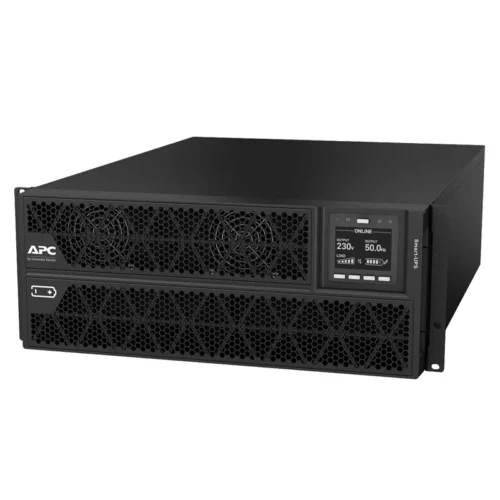
KSh 555,000.00 Ex. VAT
KSh 85,000.00 Ex. VAT
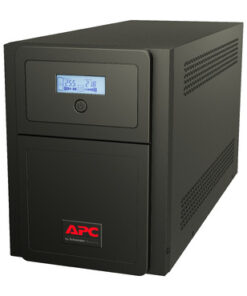
APC, a brand of Schneider Electric, is widely recognised in the power protection industry for its Uninterruptible Power Supply systems. APC UPS products help keep connected equipment running during power interruptions and offer different levels of protection against electrical disturbances.APC provides UPS solutions for different applications, from home computers and internet equipment to office networks, CCTV installations, servers and enterprise IT infrastructure.APC UPS Systems for Home, Office and Business
The APC UPS price in Kenya depends on the model, power capacity, topology, battery configuration and additional features. The following prices are indicative references and should not be treated as fixed quotations.APC UPS Price List in Kenya
| APC UPS model | Capacity | Indicative price |
| APC Back-UPS BV650I-MSX | 650VA | KSh 9,000–9,500 |
| APC Easy UPS BV1000I-MSX | 1000VA | KSh 14,000–16,000 |
| APC Back-UPS Pro BR1500MS2 | 1500VA | Confirm current price |
| APC Smart-UPS SMT1500I | 1500VA | KSh 65,000–70,000 |
APC offers different UPS product families to meet the power protection requirements of home users, small businesses and enterprise IT environments.APC UPS Product Families
- APC Back-UPS
- Desktop computers and monitors.
- Wi-Fi routers and compatible networking equipment.
- Home office electronics.
- TVs and other compatible devices.
- Battery backup during power interruptions.
- Surge protection.
- Automatic Voltage Regulation (AVR) on supported models.
- Compact designs for home and office use.
- APC Back-UPS Pro
- High-performance desktop computers.
- Gaming computers.
- Professional workstations.
- Compatible audio-visual equipment.
- LCD status display.
- Automatic Voltage Regulation.
- Sine-wave output on selected models.
- User-replaceable batteries on supported models.
- USB charging and connectivity features on selected versions.
- APC Easy UPS
- Office computers.
- CCTV systems and security equipment.
- Retail POS systems.
- Network switches and routers.
- Small-business IT equipment.
- APC Smart-UPS
- Business servers.
- Network switches and routers.
- Network cabinets.
- Storage systems.
- Office IT infrastructure.
- APC Smart-UPS On-Line
- Data centres.
- Enterprise server rooms.
- Critical IT infrastructure.
- Sensitive electronic equipment.
- Business systems requiring continuous power protection.
Choosing the right APC UPS depends on what you want to protect and how long the equipment needs to operate during a power interruption.Which APC UPS Should You Buy?
| Application | APC UPS family to consider | What to check |
| Home computers | Back-UPS | VA rating, watt capacity and runtime |
| Wi-Fi routers and internet equipment | Compatible Back-UPS model | Power consumption and output compatibility |
| Gaming computers | Back-UPS Pro | Sine-wave output, watt rating and load |
| Office computers | Back-UPS or Easy UPS | Total connected load and runtime |
| CCTV systems | Easy UPS or suitable Back-UPS | Recorder, camera and network equipment load |
| Business servers | Smart-UPS | Runtime, management features and capacity |
| Data centres | Smart-UPS On-Line | Critical load, redundancy and runtime |
Before purchasing an APC UPS, consider these important factors:How to Choose the Correct APC UPS Capacity
- Calculate your total power consumption
- Determine the required backup runtime
- Choose the correct UPS topology
- Standby (Offline): Switches to battery when a power interruption or unacceptable input condition is detected.
- Line-Interactive: Uses voltage regulation to correct certain fluctuations and switches to battery when necessary.
- Online Double-Conversion: Continuously converts incoming AC power to DC and back to AC, providing virtually zero transfer time.
- Check voltage and socket compatibility
- Consider battery replacement and maintenance
APC UPS systems are used across home, office and enterprise environments because the range provides different power protection options for different equipment requirements.Important considerations include:Why Choose APC UPS?
- Different capacities for small and large electrical loads.
- Battery backup for connected equipment.
- AVR on supported models.
- Surge protection features.
- Line-interactive and online double-conversion options.
- Models designed for desktop, tower and rackmount installations.
- Monitoring and battery management features on selected models.
Looking for an APC UPS online shop in Nairobi, Kenya? Explore the available APC UPS models at Zemaro Tech Store and compare product capacities, features and prices.Whether you need an APC UPS for a home computer, office, CCTV installation, network equipment or server infrastructure, review the available specifications to find a suitable power backup option.You can also explore our APC brand store for other available APC products.Shop APC UPS Online in Nairobi, Kenya
Frequently Asked QuestionsWhat is the APC UPS price in Kenya?APC UPS prices vary depending on capacity, model and features. Smaller Back-UPS models generally cost less than high-capacity Smart-UPS and online UPS systems. Check the available product listings at Zemaro Tech Store for current prices.
How much is an APC 650VA UPS in Kenya?The APC Back-UPS BV650I-MSX has an indicative price reference of around KSh 9,000–9,500. Check the current product listing for its actual selling price and availability.
How much is an APC 1000VA UPS in Kenya?The APC Easy UPS BV1000I-MSX has an indicative price reference of around KSh 14,000–16,000. Prices may change depending on availability and supplier pricing.
Which APC UPS is best for home use?APC Back-UPS models are worth considering for home computers, routers and compatible electronics. Choose the capacity according to the connected equipment and required runtime.
Which APC UPS is suitable for servers?APC Smart-UPS and Smart-UPS On-Line families include models designed for servers and business IT infrastructure. The correct option depends on server power consumption, runtime and power protection requirements.
What is the difference between APC Back-UPS and Smart-UPS?Back-UPS is generally intended for home and small-office applications, while Smart-UPS provides additional configurations and management features for business IT equipment, network infrastructure and servers.
Does APC UPS have Automatic Voltage Regulation?Selected APC UPS models include Automatic Voltage Regulation (AVR), which helps correct certain input voltage fluctuations without switching to battery power. Check the specifications of the specific model.
How long does an APC UPS last during a blackout?Backup runtime depends on the UPS model, battery capacity, battery condition and connected equipment. A lightly loaded UPS will generally provide more runtime than the same unit carrying a heavy load.
Can I use an APC UPS for CCTV cameras?Yes. An appropriately sized APC UPS can provide backup power for compatible CCTV equipment, including recorders and networking devices. Calculate the total load before selecting a model.
Can I replace an APC UPS battery?Many APC UPS models support battery replacement. However, the correct battery depends on the exact model, voltage, capacity and physical connection. Check the manufacturer's compatibility information before buying a replacement.
Where can I buy APC UPS online in Nairobi, Kenya?You can explore APC UPS products at Zemaro Tech Store. Compare available models, specifications and current prices through the APC UPS category and the APC brand store.